$9.99
CAD Touch Pro
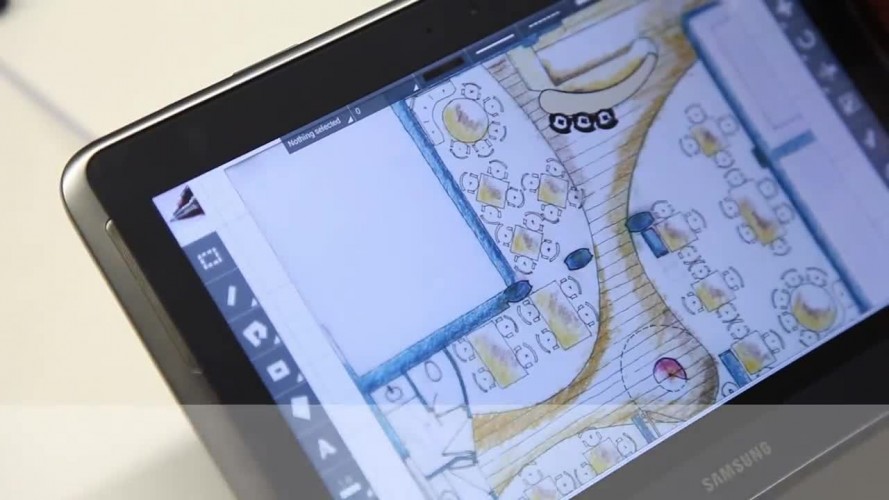
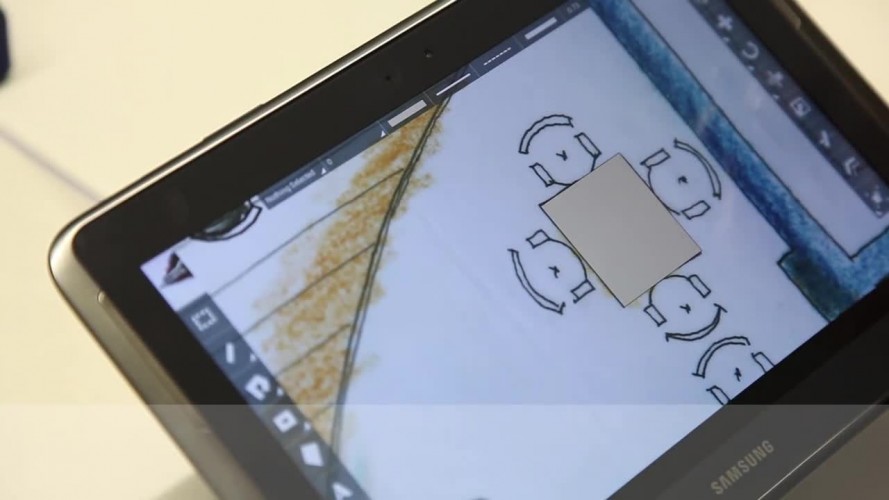
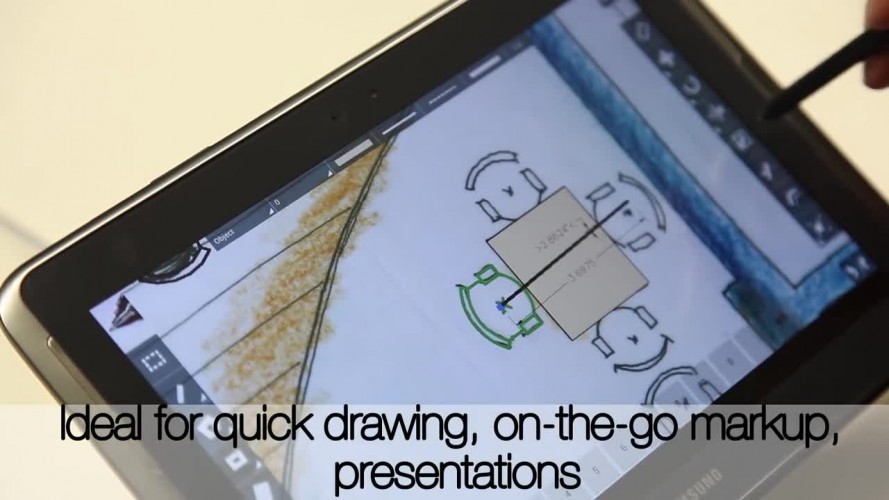
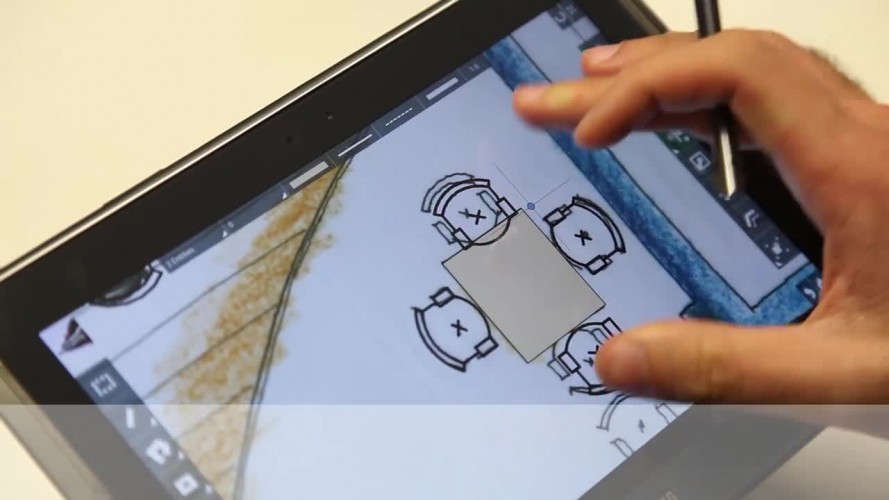
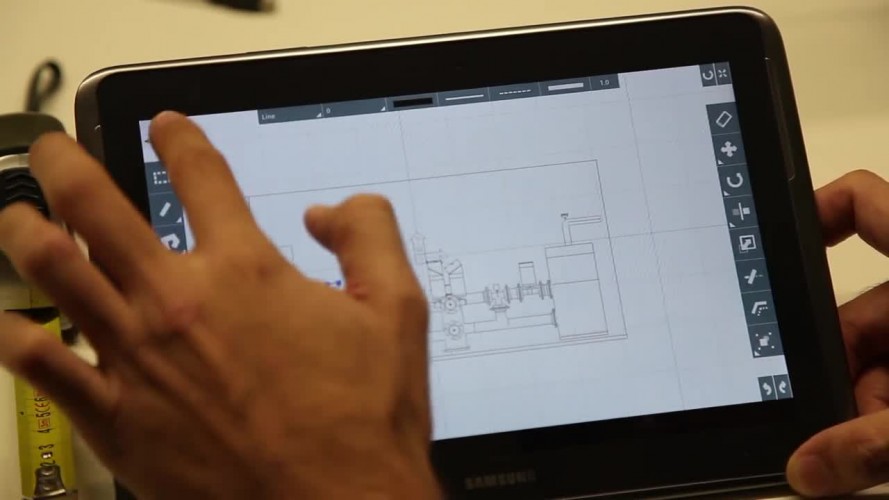
by cadTouch SoftwareThe professional CAD editor, unrivaled ease of use and unprecedented work speed.
Last 20 Comments
-
I can't seem to draw arcs or draw anything 3D. 8 years ago
-
How do lines start at 90°/180° then others items begin to show 179. 8 years ago
-
Never ever been able to update, no update button in play store. 8 years ago
-
Great program, re-training from mouse type cad and Autodesk type function takes time. 8 years ago
-
Saved work is restored is restored distorted, moving the objects is a game of chance. 8 years ago
-
Has a moderately difficult learning curve, but once you figure it out it works well. 8 years ago
-
Very useful. 8 years ago
-
A few quick thoughts: develop the objects library more - specifically plumbing and use the universal CAD signs for it. 8 years ago
-
Doesn't work, you cannot import images. 8 years ago
-
It's a good user interface. 9 years ago
-
Ok but no support. 9 years ago
-
The snap angles are all over the place and is pot luck if you can draw a line to required dimension. 9 years ago
-
Wonderful I like it!!!. 9 years ago
-
My initial rating would have been 5 stars, as I use the app more, I notice some frustrating behavior related to blocks. 9 years ago
-
I like this product for use on a pad. 9 years ago
-
It's awesome. 9 years ago
-
This is a great app to do blue prints, but i have had problems with printing and transfering it to other devices. 9 years ago
-
Pretty good, easy pick up, do nearly everything while out and about, surprised, great app. 9 years ago
-
I can say this is the best Cad app I have use. 9 years ago
-
This is a good app on the go. 9 years ago